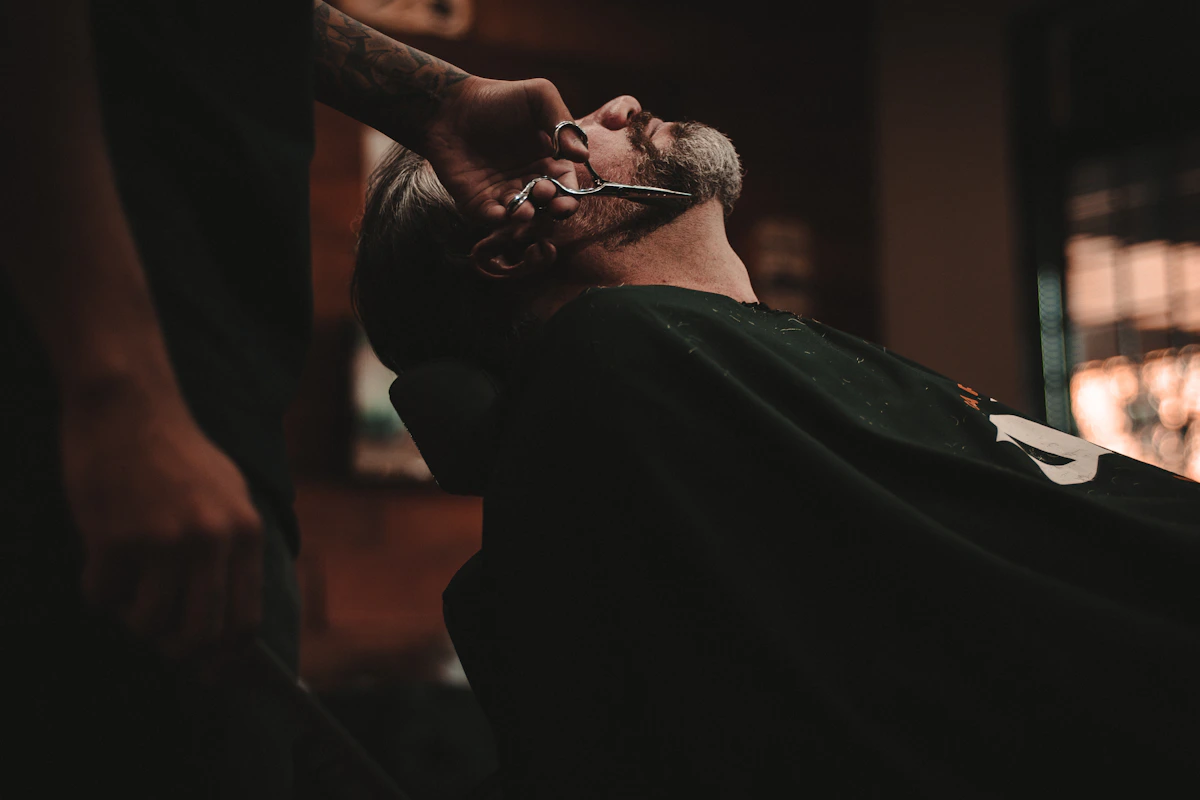
Las Vegas is one of the most competitive markets for barbershops in the country. The Strip draws millions of tourists who need a haircut before a big night out, and the surrounding neighborhoods — Summerlin, Henderson, North Las Vegas — are full of locals who want a reliable barber they can book without calling. A professional website built specifically for website design for barbershops is the difference between getting found and getting skipped. This guide covers exactly what Las Vegas barbershops need on their site to win clients and keep them coming back.
Online Booking: The Non-Negotiable for Las Vegas Barbers
Las Vegas runs on convenience. Tourists are booking hotel rooms, show tickets, and dinner reservations all from their phones — and they expect to book a haircut the same way. If your website doesn't have online booking, you're sending potential clients straight to a competitor who does.
The right booking setup for a Las Vegas barbershop should include:
- Real-time availability — let visitors see open slots and pick one, not just request an appointment
- Mobile-first booking flow — most visitors will book from a phone; the process should take under 60 seconds
- Service menu with pricing — list your cuts, fades, beard trims, and hot towel shaves with prices upfront
- Barber selection — if you have a multi-chair shop, let clients choose their preferred barber
- Confirmation texts or emails — automated reminders cut no-shows significantly
Tools like Square Appointments, Booksy, or StyleSeat integrate directly into your website. Pick one and make the "Book Now" button impossible to miss — put it in your navigation bar and again near the top of the homepage.
Photos and Gallery: Show What You Can Do
In Las Vegas, people are visual. They want to see your shop before they walk in, and they want to see your cuts before they sit in the chair. A gallery is one of the highest-converting elements on a barbershop website — but only if you do it right.
What to include in your gallery:
- Before/after shots — these are the most persuasive. Show the transformation.
- Signature cuts and fades — if you're known for skin fades or textured crops, feature those prominently
- Shop atmosphere — clean, well-lit photos of your chairs, decor, and vibe. Las Vegas clients care about the experience, not just the cut
- Real photos, not stock — Las Vegas visitors are skeptical. Use actual photos from your shop
Post new work consistently. Even six to twelve strong photos updated regularly do more than a hundred outdated ones. Instagram integration can help keep your gallery fresh without manual updates to the site.
Location, Hours, and Local SEO Basics
Las Vegas geography matters. A tourist staying at a hotel on the Strip isn't going to drive 20 minutes to Henderson for a haircut. Your website needs to make your exact location crystal clear and speak to the neighborhoods you actually serve.
Must-haves for every Las Vegas barbershop website:
- Google Maps embed — drop a map directly on your contact page or footer so visitors can see exactly where you are
- Neighborhood callouts — if you're near the Strip, Downtown, Summerlin, or Henderson, say so on the page
- NAP consistency — your Name, Address, and Phone number should be identical across your website, Google Business Profile, and Yelp
- Hours with holiday notes — Las Vegas has a huge holiday foot traffic spike; update your hours for New Year's Eve, Fourth of July, and other peak periods
- Parking info — if you're in a shopping center or have street parking quirks, note it. Clients appreciate the heads-up
For local SEO, make sure your page title and meta description include "barbershop Las Vegas" or your specific neighborhood. A page title like "Las Vegas Barbershop | Fades, Cuts & Beard Trims — [Your Shop Name]" does more work than a generic "[Shop Name] — Home."
Want a Website Built for Your Las Vegas Barbershop?
We build fast, professional websites for barbershops that book appointments and rank locally. See your preview free.
Get Your Free Preview →Trust Signals That Convert Skeptical Visitors
Las Vegas is full of options. When someone lands on your site, they're comparing you to three other barbershops they just Googled. Trust signals are what tip the decision in your favor.
The most effective trust signals for Las Vegas barbershops:
- Google review count and rating — embed your Google star rating prominently. A 4.8 with 200+ reviews is a serious credibility signal
- Named barbers with bios — introduce your team by name. Clients want to know who's cutting their hair, especially first-timers
- Years in business or number of clients served — "Serving Las Vegas since 2015" or "10,000+ haircuts" builds confidence
- Featured in local press or awards — if you've been named in a "Best Of Las Vegas" list or local publication, feature it
- Social media follower count — if your Instagram has a strong following, link to it and show the numbers
Mobile Speed and Performance
Over 70% of local searches happen on mobile. In Las Vegas — where someone might be walking down Fremont Street Googling "barbershop near me" — that number is probably higher. A slow-loading site is a dead site.
Key performance requirements:
- Load time under 3 seconds on mobile — use compressed images and lean code
- Clickable phone number — anyone on mobile should be able to tap your number and call immediately
- Large tap targets — buttons and links need to be big enough to tap without zooming
- No pop-ups that block content — especially on mobile, intrusive pop-ups drive bounce rates up
Test your site on Google PageSpeed Insights and aim for a score above 80 on mobile. If your current site scores below 60, it's actively hurting your search rankings.
What to Put on Your Homepage Above the Fold
The "above the fold" area — what visitors see before they scroll — determines whether they stay or leave. For a Las Vegas barbershop, this section should answer three questions immediately: Who are you, where are you, and how do I book?
A strong homepage above the fold includes:
- Your shop name and tagline — make it clear this is a barbershop in Las Vegas
- A high-quality hero image — your best cut, your shop interior, or a barber at work
- Book Now button — prominently placed, contrasting color, can't miss it
- Location snippet — neighborhood or cross streets, not just city
- Hours — or at minimum "Open Today" with current hours
Don't make visitors hunt for information. Las Vegas clients are impatient — they'll move to the next result if your site makes them work for it.
Frequently Asked Questions
Do I need a website if I already have a strong Instagram following?
Yes. Instagram is a discovery tool, not a booking engine. Clients who find you on Instagram will Google your name to check reviews, confirm your address, and book an appointment. If they hit a dead end or find no website, many will move on. A website is where the conversion happens.
What booking software works best for barbershops in Las Vegas?
Booksy and StyleSeat are the most popular among Las Vegas barbershops because they're built specifically for the industry, handle deposits to reduce no-shows, and have their own app ecosystems that can bring in new clients. Square Appointments is a solid choice if you already use Square for payments. Any of these can be embedded directly into your website.
How do I rank higher on Google for barbershop Las Vegas?
Start with your Google Business Profile — complete it fully with photos, hours, services, and a description that includes your neighborhood. On your website, use "Las Vegas barbershop" in your page titles and headings naturally. Get more Google reviews by texting clients a direct link after their appointment. Consistent NAP information across Google, Yelp, and your website also strengthens your local ranking.
Should I list prices on my barbershop website?
Yes. Clients — especially first-timers and tourists — want to know what a haircut costs before they book. Hiding prices creates friction. A simple service menu with prices builds trust, reduces no-shows from sticker shock, and can actually improve your search ranking since Google values content-rich pages.
How many photos do I need on my barbershop website?
At minimum, eight to twelve strong photos: two or three of your shop interior, four to six cuts showcasing different styles, and one or two photos of your barbers. Quality matters more than quantity — one sharp, well-lit photo beats ten blurry ones. Update your gallery every few months to keep the site feeling current.
A well-built website is one of the highest-ROI investments a Las Vegas barbershop can make. The city has massive foot traffic, a competitive local market, and clients who make decisions fast — often from their phones. Get the fundamentals right: fast mobile load, clear booking flow, real photos, and strong local SEO, and your site will pay for itself in new clients within months. For more on building the right online presence, check out our related guides on barbershop websites in Denver and barbershop website ideas that actually convert.